Primary vs Fill Servers Explained
Usenet downloads can be configured to use more than one Usenet server. Some users set up a primary server along with one or more fill servers to improve download reliability.
Understanding how these servers work together can help reduce incomplete downloads, minimize repair operations, and improve performance in NZBGet.
This guide explains the difference between primary and fill servers and how NZBGet uses them during downloads.
What Is a Primary Usenet Server?
A primary server is the main server NZBGet uses to download articles.
When an NZB file is added to the queue, NZBGet first attempts to retrieve articles from the primary server.
NZBGet determines which server to use based on priority order:
Servers with the lowest priority number are checked first
If the requested article exists on that server, NZBGet downloads it from there
Other servers are only checked if the article is missing
A properly configured primary server will usually supply most of the articles in a download.
The primary server Priority (Level) should be 0. At least one active news server must be configured with priority 0. NZBGet checks it before any other configured servers
If the primary server contains all required articles, the download completes without requesting data from additional servers.
What Is a Fill Server?
A fill server is a secondary server that NZBGet can use when an article is missing from the primary server.
If the primary server responds that an article is unavailable, NZBGet automatically attempts to retrieve that article from the next server in the priority list.
Fill servers are commonly used to:
Retrieve articles missing from the primary server
Improve completion rates for certain downloads
Reduce the amount of PAR repair required
Fill servers usually have lower priority values such as Priority 1 or Priority 2, meaning NZBGet only uses them when necessary.
In some setups, a fill server may be configured using a block account, which provides a fixed amount of Usenet download data rather than unlimited data.
How NZBGet Uses Multiple Servers
NZBGet checks servers in priority order.
The process generally works like this:
NZBGet requests articles from the primary server.
If an article is missing, NZBGet checks the next server in the priority list.
The process repeats until the article is found or all servers have been checked.
Because of this design, fill servers often handle only a small percentage of total download traffic.
Why Fill Servers Can Improve Completion
Not all Usenet providers store the same set of articles. Differences in retention, article availability, and server policies can sometimes result in missing articles from a particular server.
When this happens, a fill server may still have the article available.
Adding a fill server can sometimes help:
Recover missing articles
Reduce the number of incomplete downloads
Decrease the amount of repair needed after a download
However, fill servers are not guaranteed to recover missing articles. If the secondary server also does not have the article available, the download may still require repair or remain incomplete.
For this reason, fill servers are best viewed as a secondary fallback rather than a guaranteed backup source.
The Importance of a Good Primary Server
Since the primary server is the first server requested during downloads, its article availability has a direct impact on overall performance. With a good primary server, fill servers may be used infrequently or not needed.
Signals of a good primary server:
Few or no missing articles reported during downloads
Little or no repair activity after downloads complete
Downloads completing successfully without needing fallback servers
Tip: Start with a high-retention provider as your primary server and optionally add fill servers for additional coverage if needed.
Configuring Primary and Fill Servers in NZBGet
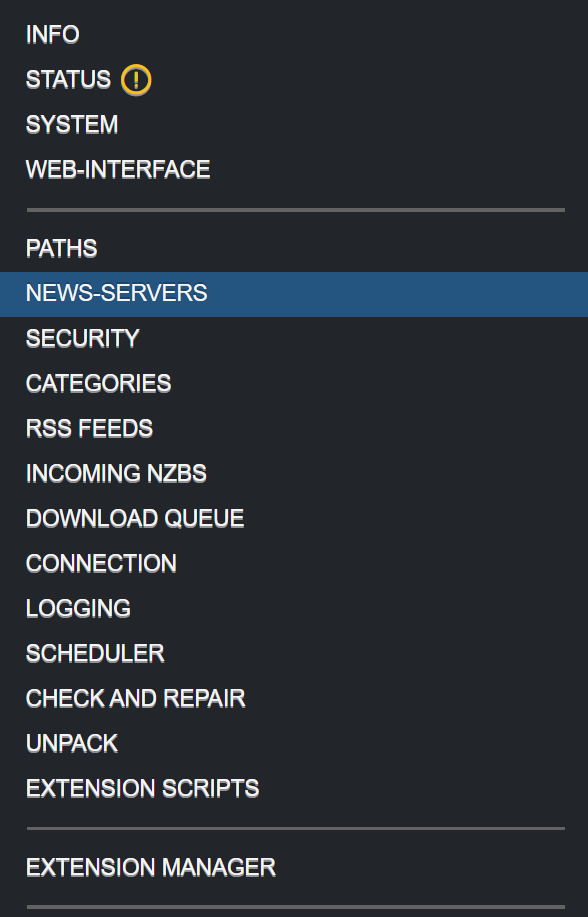
Servers can be configured in Settings → NEWS-SERVERS within the NZBGet web interface.
Each server includes a Priority setting, which determines the order NZBGet uses them.
A typical configuration might look like this:
| Server Type | Priority | Purpose |
|---|---|---|
| Primary server | 0 | Main download source |
| Fill server | 1 | Retrieves missing articles |
| Additional fill server | 2+ | Additional fallback if needed |
NZBGet will always try servers with the lowest priority number first. If an article is missing, NZBGet automatically moves to the next available server.
Signs a Fill Server May Be Helpful
In some setups, the primary server may occasionally miss articles. When this happens, downloads may require repair or show missing segments.
Common indicators include:
Frequent PAR repair after downloads
Downloads reporting missing articles
Incomplete downloads without repair blocks
Log messages indicating missing segments
If these issues appear regularly, adding a fill server may help recover some of the missing articles.
In some cases, consider replacing the primary server altogether with one that offers better retention and completion rates. This can simplify configuration and reduce reliance on multiple servers.
Using NZBGet to Monitor Server Performance
NZBGet provides several tools that help evaluate server performance during downloads.
Users can monitor:
Download health
Displayed next to the download name while a job is active
Missing articles
Visible in the Messages or Log tab during downloads
Repair activity
Shown during post-processing and in the download history after completion
Server usage statistics
Available in Statistics, for each news server in the NZBGet interface
These indicators can help determine whether the primary server is delivering most articles successfully or whether additional servers may improve completion.
Quick Summary: Primary vs Fill Servers
Primary and fill servers work together to improve download reliability in NZBGet.
The primary server handles most article requests, while fill servers attempt to retrieve missing articles.
Fill servers can sometimes improve completion rates, but their usefulness depends on whether another server retains the missing articles.
Starting with a reliable primary server and monitoring NZBGet statistics can help determine whether additional servers are beneficial.
Introduction
Installation manuals
- Installation on Windows
- Installation on Windows via WinGet
- Installation on macOS
- Installation on macOS via Homebrew
- Installation on Linux
- Installation on Docker
- Installation on Docker - LinuxServer.io version
- Installation on Android
- Installation on Synology
- Installation on QNAP
- Installation on other NAS devices
Building manuals
Configuration
- Backup And Restore Settings
- Performance Tips
- Choosing Cipher
- Behind Other Web Server
- TLS certificate verification
- What is the Default NZBGet Password?
- NZBGet Docker Setup Guide
- NZBGet Port Settings and Access Guide
- How to Configure NZBGet: Complete Setup Guide
- What Is Usenet?
- NZBGet 502 Error: Quick Fix Guide
- How to Upgrade from NZBGet v21.1 to the Latest NZBGet Version
- Slow NZBGet Speeds? Here’s How to Fix It
- NZBGet Performance Optimization Guide
- NZBGet Path and Folder Structure Guide
- How to Link NZBGet with Sonarr, Radarr, and Other Tools
- Sonarr vs VideoSort: How They Work with NZBGet
- NZBGet Storage Guide: Improve Performance with Smarter Path Setup
- How to Configure NZBGet on Android TV
- Using NZBGet with Sonarr and Radarr on Android TV
Performance tuning
- How to Optimize Usenet Performance in NZBGet
- NZBGet SystemHealth: Configuration and Environment Diagnostics
- Testing Usenet Speed and Performance in NZBGet
- Diagnosing and Maximizing Usenet Speeds in NZBGet
- Understanding Download Health in NZBGet
- Finding the Optimal Connection Count in NZBGet
- Primary vs Fill Servers Explained
- Understanding the Statistics Page in NZBGet
Usage
- Quick Filter
- Keyboard Shortcuts
- RSS and duplicate check
- VideoSort
- Console Mode
- Command Line Reference
- Performing Speed Tests
- NZBGet Interface Buttons Explained: What They Do and How to Use Them
- How to Use the NZBGet Status Tab
Development
Extensions
- Extension Scripts
- Post-processing scripts
- Scan Scripts
- Queue Scripts
- Scheduler Scripts
- Feed Scripts
- NZBGet Extension Manager: What It Is and How to Use It
- API reference
News server setup
- Astraweb
- BlockNews
- Cheapnews
- EasyNews
- Eweka
- FreeDiscussions
- Frugal Usenet
- GigaNews
- NewsDemon
- Newsgroup Ninja
- NewsgroupDirect
- Newshosting
- Pure Usenet
- SunnyUsenet
- Supernews
- theCubeNet
- ThunderNews
- TweakNews
- Usenet.Farm
- UsenetExpress
- UsenetServer
- UseNext
- ViperNews
- XLned
- XS News